There’s this assumption that because I run a media company, I’m always on social media.
I’m not.
This weekend, while I had some downtime and was intentionally resting, I decided to share a few of my recent experiences on Instagram—and that’s when I stumbled into some of Meta’s newest tools.
And listen… I was pleasantly surprised.
Because while I don’t spend a lot of time online (on purpose), I do understand this truth:
As a CEO building a brand, showing up consistently isn’t optional—it’s strategy.
So if we have to be here, we might as well use tools that make it easier.
Let’s talk about two that stood out to me.

1. The Instagram Edits App: A Smarter Way to Create Reels
If you’ve been struggling with creating Reels, the new Instagram Edits app might be exactly what you need.
Think of it as your built-in content studio.
With Edits, you can:
- Trim and arrange clips on a timeline
- Add captions, effects, and transitions
- Use AI tools like background removal
- Export clean, high-quality videos (no watermark)
And the best part? It’s designed specifically for Instagram.
So instead of guessing what works, you’re already creating within the ecosystem that pushes your content out.
Why the Edits App Helps Increase Instagram Reach
Let’s keep it real—most people don’t struggle with ideas.
They struggle with execution.
The Edits app removes that friction:
- You create faster
- You post more consistently
- Your content looks more polished
And on Instagram, consistency + watch time = reach.
This is one of the easiest ways to improve your Instagram content strategy in 2026 without hiring a full production team.
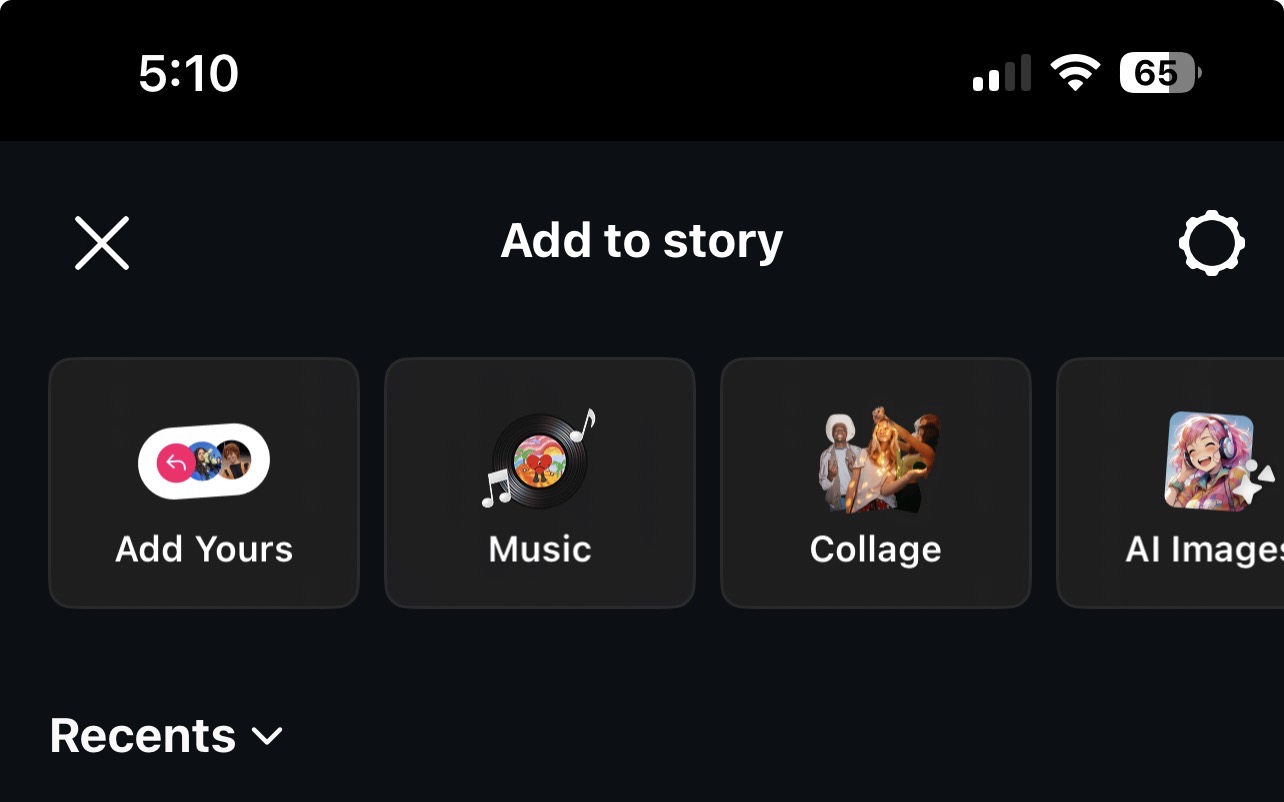
2. Instagram Story Collage Feature: Quick, Cute, and Consistent
Now this feature? This is for the CEOs who want visibility without the pressure.
Instagram’s updated Story collage feature allows you to:
- Add up to 20 photos in one Story
- Arrange them in a scrapbook-style layout
- Post quickly without over-editing
No extra apps. No overthinking.
Just content that feels natural and still looks good.
Why the Story Collage Feature Matters for Engagement
If Reels are for reach, Stories are for connection.
And this feature makes it easier to:
- Share behind-the-scenes moments
- Recap events or busy work days
- Stay visible even when you don’t feel like “performing.”
For me, this is important.
Because while I love what I do, I’m also very aware of how social media can feel.
That’s part of why I don’t stay on it all day.
But tools like this? They help me show up without draining myself.
And that’s the balance more CEOs need to find.
CEO Strategy: Work Smarter, Not Louder on Instagram
Here’s the real takeaway:
You don’t need to be on social media all day to grow your brand.
You need:
- The right tools
- A simple system
- And the discipline to show up
The Instagram Edits app helps you create.
The Story collage feature helps you stay consistent.
Together, they help you build visibility without burnout.
Final Thoughts
I didn’t go on Instagram this weekend to “work.”
I went on because I had a moment… and I wanted to share.
But in doing that, I found tools that actually support the way I want to show up:
- Efficiently
- Intentionally
- And in alignment with my energy
And that’s what I want for you, too.
Because the goal isn’t just to be online.
It’s to be seen, remembered, and positioned.